Transform Your Business Using AI + WhatsApp

Transform your business with the power of AI and WhatsApp. Automate customer support, boost engagement, and increase sales effortlessly. Deliver smarter, faster, and personalized experiences that keep your customers connected and your business growing.

75,000+ registered users

Send marketing broadcasts

Intuitive team inbox

Advanced automations & chatbots

Partnered with Brands
and Businesses Driving Growth

Three Powerful Ways to
Send WhatsApp Bulk Messages

Choose the method that works best for your business needs

Method 1

CSV Upload

Upload your contact list in CSV format, select your message template, and send personalized messages to thousands of contacts with just one click.

Method 2

Copy-Paste from Excel

Working with Excel data? Simply copy and paste directly from your spreadsheet into our intuitive grid interface. No file upload needed!

Method 3

Copy-Paste from Excel

Working with Excel data? Simply copy and paste directly from your spreadsheet into our intuitive grid interface. No file upload needed!

Our Client Testimonials

Testimonial #1 Designation

Review Text

Testimonial #2 Designation

Review Text

Testimonial #3 Designation

Review Text

FAQ

Our FAQ section is designed to answer your most common questions quickly and clearly. From getting started to understanding features, pricing, and support, you’ll find helpful information here. Explore the answers you need and save time while making the most of our services.

You can set up automated messages on WhatsApp using our Basic Automations and Auto-Replies features. Basic Automations let you send greeting messages, out-of-office replies, and delayed response messages to engage users, even when you’re offline. Auto-Replies, on the other hand, allow you to automatically respond when users send messages containing specific keywords like “hello,” “pricing,” or “support.”
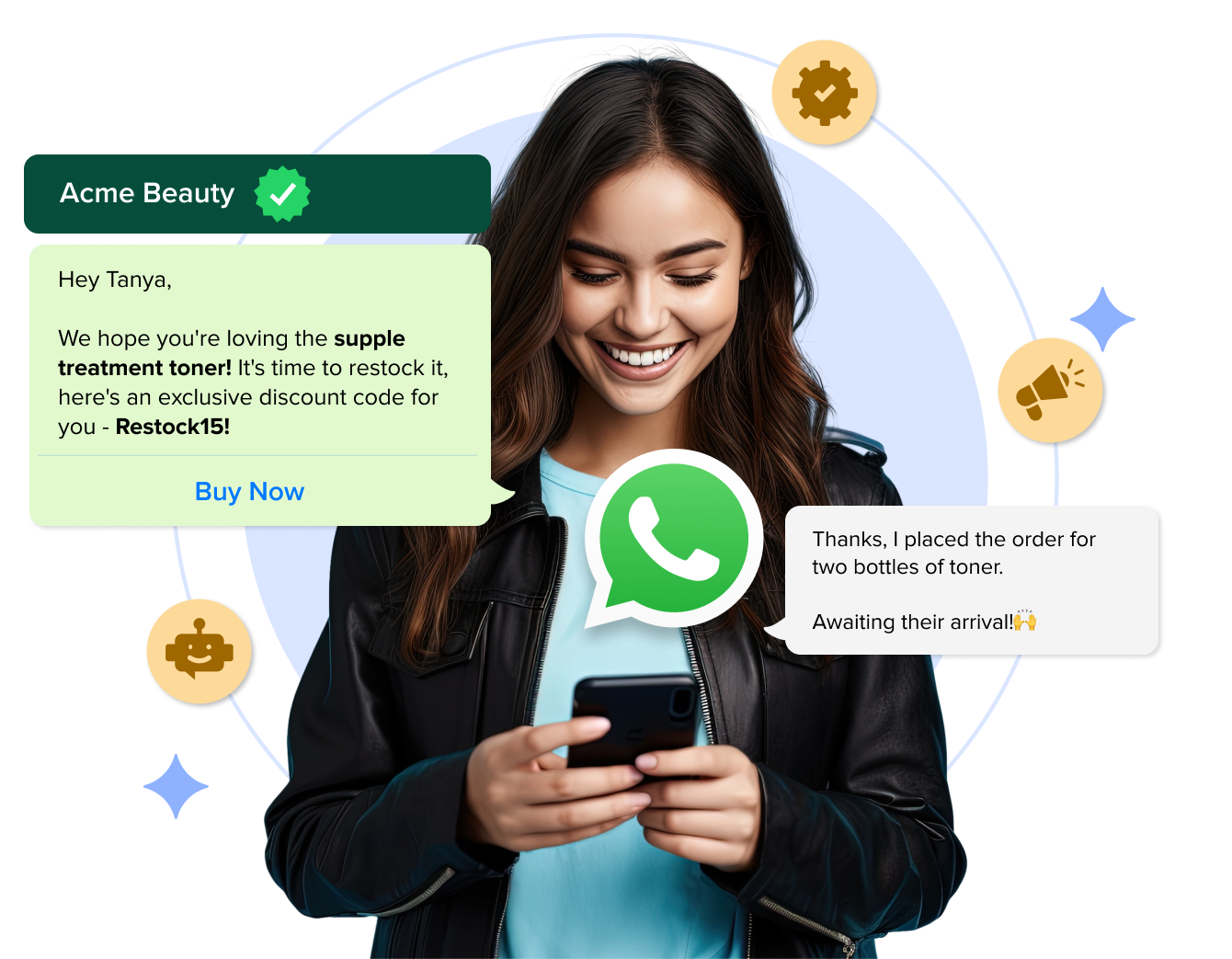

You can automate various types of responses on WhatsApp to enhance engagement. Here’s a look at some response types you can automate using WANotifier:

  • Greeting messages: You can send welcome messages automatically when a customer initiates a chat
  • Away Messages: You can automatically inform users that you’re offline or currently unavailable
  • Auto-replies based on keywords: You can also trigger automated responses when your contacts send you messages containing certain keywords, like “pricing” or “support.”
  • Confirm opt-ins and opt-outs: You can automatically add or remove users from messaging lists and send a message every time they update their subscription status.

For more complex conversations, you can use WANotifier’s chatbot builder to create WhatsApp chatbots that guide users through multi-step flows based on their responses.

Not difficult at all, especially if you’re using a tool like WA Notifier, which lets you drag and drop blocks to build chatbots with complex conversation flows that can qualify leads, answer questions, or route users to live agents.